
Open the file
Choose an ASCII DXF and review the preview. Binary DXF is not supported, so resave it as ASCII in the source application first.
Import a text-based ASCII DXF without registration, inspect supported 2D geometry and continue the drawing with dimensions and layers.
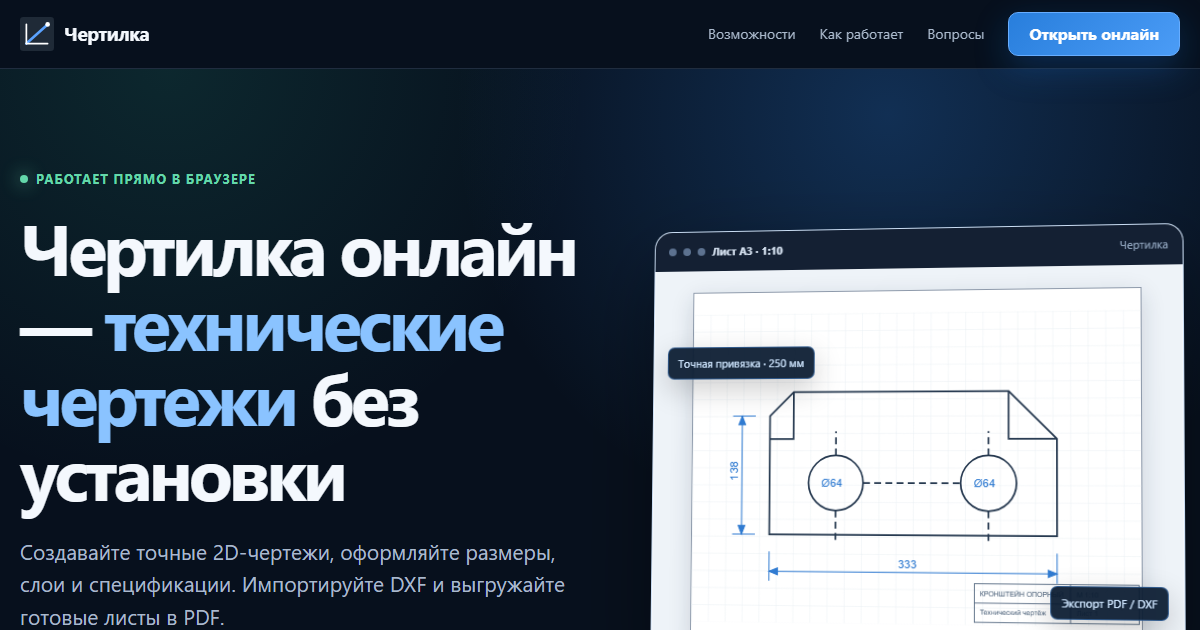
Chertilka works with text-based ASCII DXF and focuses on common 2D entities. The preview exposes units, bounds and import warnings before geometry is added to the project.
Choose an ASCII DXF and review the preview. Binary DXF is not supported, so resave it as ASCII in the source application first.
Edit supported lines, polylines, circles and arcs; add dimensions, text, hatches and layers in the browser.
Import and drawing are free. File download, printing and server storage require an active paid plan; DXF output uses the R2000 format.
Open the editor from this page and select the DXF import command.
Confirm the expected scale and review any unsupported entity types in the preview.
Add the geometry to the project, verify important dimensions and prepare the drawing sheet.
You can draw, import DWG/DXF and keep a project in this browser for free. Free sheets carry a watermark. Printing, file export and server storage require an active paid plan; pipeline tools and as-built documentation require the Extended plan.
Before issuing construction or manufacturing documentation, verify dimensions, standards and imported geometry against the source file.
Text-based ASCII DXF with common 2D entities is supported. Binary DXF must be converted to ASCII first.
Yes. Import the file and inspect its geometry, layers and dimensions before deciding whether to edit it.
No. Import and drawing are free, while downloadable DXF/PDF output and printing require an active paid plan.
Import a text-based ASCII DXF without registration, inspect supported 2D geometry and continue the drawing with dimensions and layers.
Open editor