
Lines and contours
Line segments, open and closed contours made of segments, nested groups and repeated objects with their rotations and reflections.
Select a .cdw file, review the conversion report and open supported 2D geometry in sheet tabs. The experimental server decoder reads the verified KF/CDW 5.11 profile: lines, contours, text and linear dimensions.
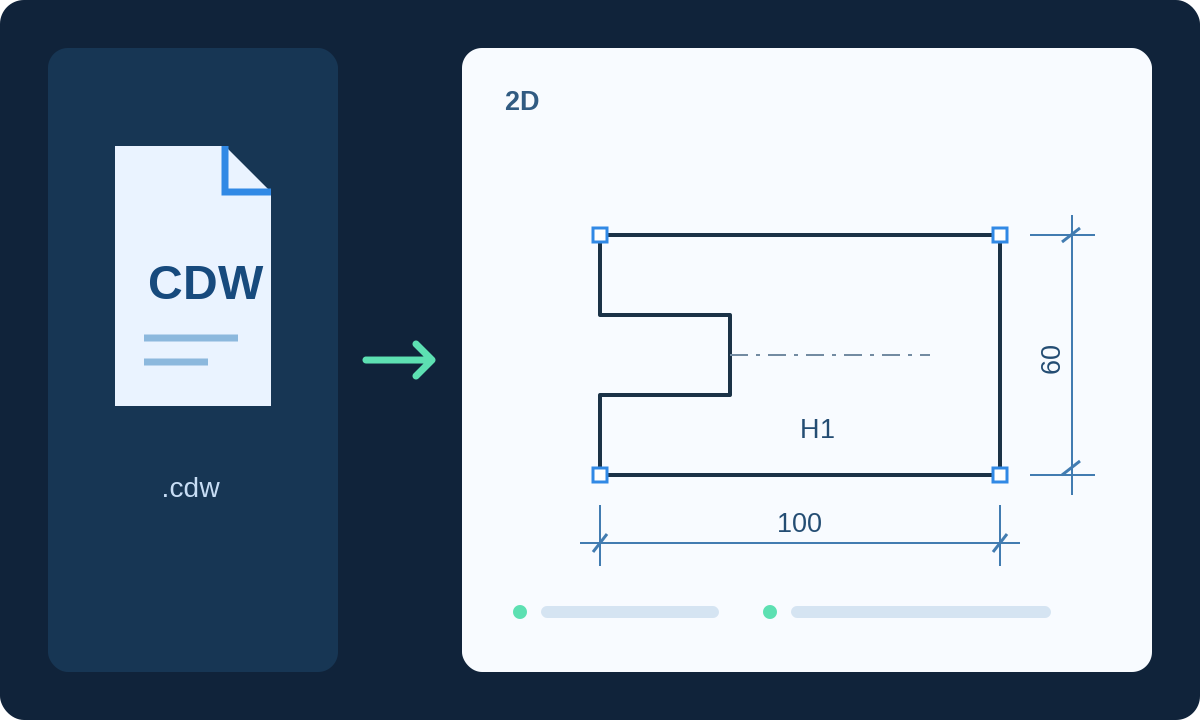
CDW is a KOMPAS drawing format. Chertilka reads the structure of a supported file instead of turning the entire sheet into one image.
Line segments, open and closed contours made of segments, nested groups and repeated objects with their rotations and reflections.
Supported text, technical requirements and horizontal, vertical and aligned linear dimensions.
View positions and scales are taken into account during import. Select objects, change their properties and add to the drawing after placement.
Click Open CDW file and select your document in the import dialog. You can also drop a file into the editor.
Review the preview, object counts and warnings. Compare units, dimensions, text and sheet decoration with the original.
Insert the recognised objects into the workspace. Continue using zoom, layers and drawing tools.
One KF/CDW 5.11 profile and the reference drawing’s sheet layout have been verified. Other sheet layouts need an additional profile or DXF export. Support for every CDW is not claimed.
| Data type | Current support |
|---|---|
| Uncompressed CDW (KF 5.11) | Supported records are converted by a Python decoder on the server. |
| ZIP-based CDW container | Not supported yet. Export the original 2D drawing from KOMPAS to text-based ASCII DXF. |
| Arcs, splines and special objects | Unsupported records stop the import. Use an export from the original CAD application. |
| External CDT templates and fonts | External decoration files referenced by paths in CDW are not loaded. Verify the border, title block and fonts separately. |
Import, viewing and editing of supported CDW geometry are free without registration. Free sheets carry a watermark. Printing, PDF/DWG/DXF export and server project storage require an account and an active paid plan.
CDW is uploaded to the server for conversion. Temporary input and output files are removed after the request. Imported objects use ordinary project saving. Verify the result before issuing documentation.
You can open a supported uncompressed CDW in Chertilka using your browser. For ZIP containers and unsupported records, export the 2D drawing to DXF from the original CAD application.
Yes. Select .cdw in the import dialog, check the preview and place the objects in a guest project. Viewing and recognition do not require an account.
Supported text records and linear dimensions become editable 2D objects. Compare unsupported records and sheet decoration against the original document.
CDW export is not supported. Continue editing in a Chertilka project; PDF, DWG and DXF output requires an active paid plan.
This importer is for 2D CDW drawings. M3D models are not supported.
Select a .cdw file, review the conversion report and open supported 2D geometry in sheet tabs. The experimental server decoder reads the verified KF/CDW 5.11 profile: lines, contours, text and linear dimensions.
Open CDW file